sickn33/agentic-awesome-skills / plugins/aasb-aas-mobile-app-builder/skills/hig-platforms
hig-platforms
VerifiedApple Human Interface Guidelines for platform-specific design.
| File | Kind | Size |
|---|---|---|
| SKILL.md | skill md | 5.7 KB |
| references/designing-for-games.md | markdown | 21.5 KB |
| references/designing-for-ios.md | markdown | 5.4 KB |
| references/designing-for-ipados.md | markdown | 5.1 KB |
| references/designing-for-macos.md | markdown | 5.2 KB |
| references/designing-for-tvos.md | markdown | 4.4 KB |
| references/designing-for-visionos.md | markdown | 9.6 KB |
| references/designing-for-watchos.md | markdown | 6.2 KB |
references/designing-for-macos.md
View on GitHub---
title: "Designing for macOS | Apple Developer Documentation"
source: https://developer.apple.com/design/human-interface-guidelines/designing-for-macos
---
# Designing for macOS
People rely on the power, spaciousness, and flexibility of a Mac as they perform in-depth productivity tasks, view media or content, and play games, often using several apps at once.
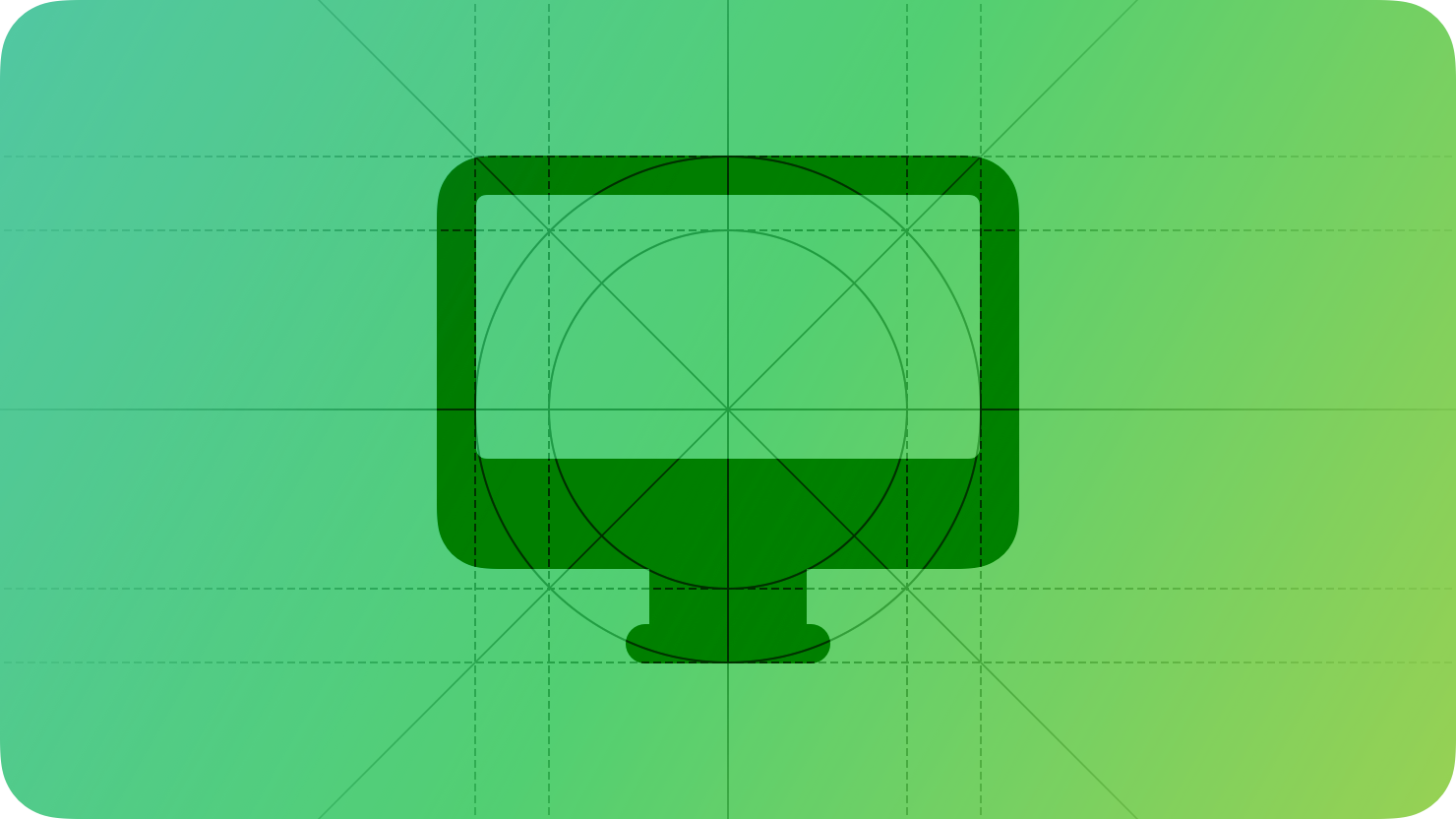
As you begin designing your app or game for macOS, start by understanding the fundamental device characteristics and patterns that distinguish the macOS experience. Using these characteristics and patterns to inform your design decisions can help you provide an app or game that Mac users appreciate.
**Display.** A Mac typically has a large, high-resolution display, and people can extend their workspace by connecting additional displays, including their iPad.
**Ergonomics.** People generally use a Mac while they’re stationary, often placing the device on a desk or table. In the typical use case, the viewing distance can range from about 1 to 3 feet.
**Inputs.** People expect to enter data and control the interface using any combination of input modes, such as physical [Keyboards](https://developer.apple.com/design/human-interface-guidelines/keyboards), [Pointing devices](https://developer.apple.com/design/human-interface-guidelines/pointing-devices), [Game controls](https://developer.apple.com/design/human-interface-guidelines/game-controls), and [Siri](https://developer.apple.com/design/human-interface-guidelines/siri).
**App interactions.** Interactions can last anywhere from a few minutes of performing some quick tasks to several hours of deep concentration. People frequently have multiple apps open at the same time, and they expect smooth transitions between active and inactive states as they switch from one app to another.
**System features.** macOS provides several features that help people interact with the system and their apps in familiar, consistent ways.
* [The menu bar](https://developer.apple.com/design/human-interface-guidelines/the-menu-bar)
* [File management](https://developer.apple.com/design/human-interface-guidelines/file-management)
* [Going full screen](https://developer.apple.com/design/human-interface-guidelines/going-full-screen)
* [Dock menus](https://developer.apple.com/design/human-interface-guidelines/dock-menus)
## [Best practices](https://developer.apple.com/design/human-interface-guidelines/designing-for-macos#Best-practices)
Great Mac experiences integrate the platform and device capabilities that people value most. To help your design feel at home in macOS, prioritize the following ways to incorporate these features and capabilities.
* Leverage large displays to present more content in fewer nested levels and with less need for modality, while maintaining a comfortable information density that doesn’t make people strain to view the content they want.
* Let people resize, hide, show, and move your windows to fit their work style and device configuration, and support full-screen mode to offer a distraction-free context.
* Use the menu bar to give people easy access to all the commands they need to do things in your app.
* Help people take advantage of high-precision input modes to perform pixel-perfect selections and edits.
* Handle keyboard shortcuts to help people accelerate actions and use keyboard-only work styles.
* Support personalization, letting people customize toolbars, configure windows to display the views they use most, and choose the colors and fonts they want to see in the interface.
## [Resources](https://developer.apple.com/design/human-interface-guidelines/designing-for-macos#Resources)
#### [Related](https://developer.apple.com/design/human-interface-guidelines/designing-for-macos#Related)
[Apple Design Resources](https://developer.apple.com/design/resources/#macos-apps)
#### [Developer documentation](https://developer.apple.com/design/human-interface-guidelines/designing-for-macos#Developer-documentation)
[macOS Pathway](https://developer.apple.com/macos/get-started/)
#### [Videos](https://developer.apple.com/design/human-interface-guidelines/designing-for-macos#Videos)
[ Meet Liquid Glass ](https://developer.apple.com/videos/play/wwdc2025/219)
[ Get to know the new design system ](https://developer.apple.com/videos/play/wwdc2025/356)
[ Build an AppKit app with the new design ](https://developer.apple.com/videos/play/wwdc2025/310)
Related skills
| Skill | Stars | Updated | Works with | Status | Install |
|---|---|---|---|---|---|
| brainstormingobra/superpowersYou MUST use this before any creative work - creating features, building components, adding functionality, modifying behavior, or planning anything new, in software or out of it (a talk, a business, a renovation). | Stars: 322k | Updated | Claude CodeCodex | Verified | Install |
| brand-guidelinesanthropics/skillsApplies Anthropic's official brand colors and typography to any sort of artifact that may benefit from having Anthropic's look-and-feel. Use it when brand colors or style guidelines, visual formatting, or company design standards apply. | Stars: 198k | Updated | Claude CodeCodex | Verified | Install |
| frontend-designanthropics/skillsGuidance for distinctive, intentional visual design when building new UI or reshaping an existing one. Helps with aesthetic direction, typography, and making choices that don't read as templated defaults. | Stars: 198k | Updated | Claude CodeCodex | Verified | Install |
| mcp-builderanthropics/skillsGuide for creating high-quality MCP (Model Context Protocol) servers that enable LLMs to interact with external services through well-designed tools. Use when building MCP servers to integrate external APIs or services, whether in Python (FastMCP) or Node/TypeScript (MCP SDK). | Stars: 198k | Updated | Claude CodeCodex | Verified | Install |