NeelakshSaxena/Drishti / .agents/skills/adaptive
adaptive
VerifiedInstructions to make or update an app's UI so that it adapts to different Android devices including phones, tablets, foldables, laptops, desktop, TV, Auto and XR. It includes how to handle different window sizes, pointing devices (such as mouse) and text entry devices (such as keyboard) using the Compose MediaQuery API. It also covers multi-pane layouts using Navigation3 Scenes, adaptive UI components (such as buttons) with varying target sizes, and adaptive layouts (including navigation areas - nav rails and nav bars) using the Compose Grid and FlexBox APIs.
references/android/develop/ui/compose/layouts/adaptive/flexbox/container-behavior.md
View on GitHubTo configure the behavior of the `FlexBox` container, create a `FlexBoxConfig`
block and supply it using the `config` parameter.
```kotlin
FlexBox(
config = {
direction(FlexDirection.Column)
wrap(FlexWrap.Wrap)
alignItems(FlexAlignItems.Center)
alignContent(FlexAlignContent.SpaceAround)
justifyContent(FlexJustifyContent.Center)
gap(16.dp)
}
) { // child items
}
```
<br />
Use `FlexBoxConfig` to define the layout direction, wrapping behavior,
alignment, and gaps between items.
## Layout direction
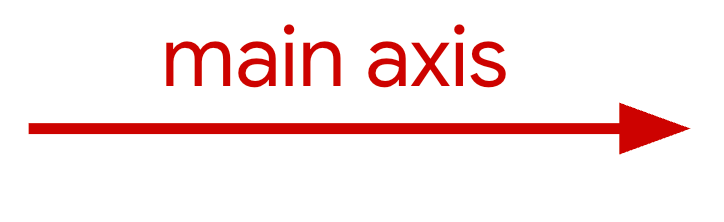
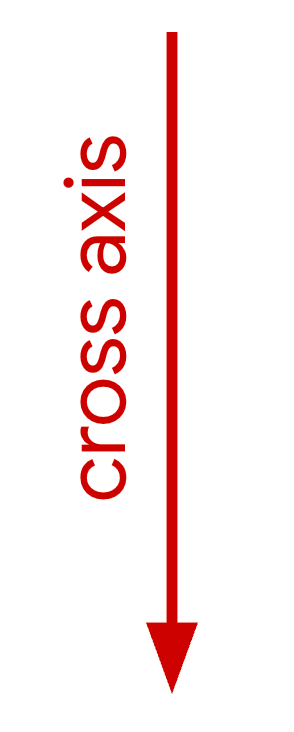
The `direction` function sets the main axis, which dictates the direction
items are laid out in. It accepts the following values:
- `Row` (default): Sets the main axis to be horizontal. In left-to-right locales this will be left-to-right, with the opposite in right-to-left.
- `RowReverse`: Reverses the direction of `Row`.
- `Column`: Sets the main axis to be vertical, top-to-bottom.
- `ColumnReverse`: Reverses the direction of `Column`.
## Align items and distribute extra space
The following sections describe how to align items and distribute extra space
along the main and cross axes.
### Along the main axis
Use `justifyContent` to distribute items along the main axis. The following
table shows the behavior when the direction is `Row`.
|---|---|
| |  |
| `Start` |  |
| `Center` |  |
| `End` |  |
| `SpaceBetween` |  |
| `SpaceAround` |  |
| `SpaceEvenly` |  |
### Along the cross axis
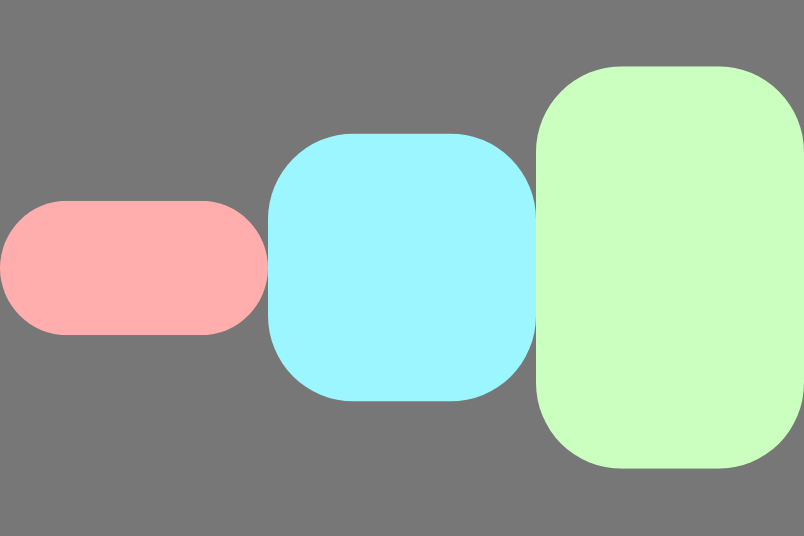
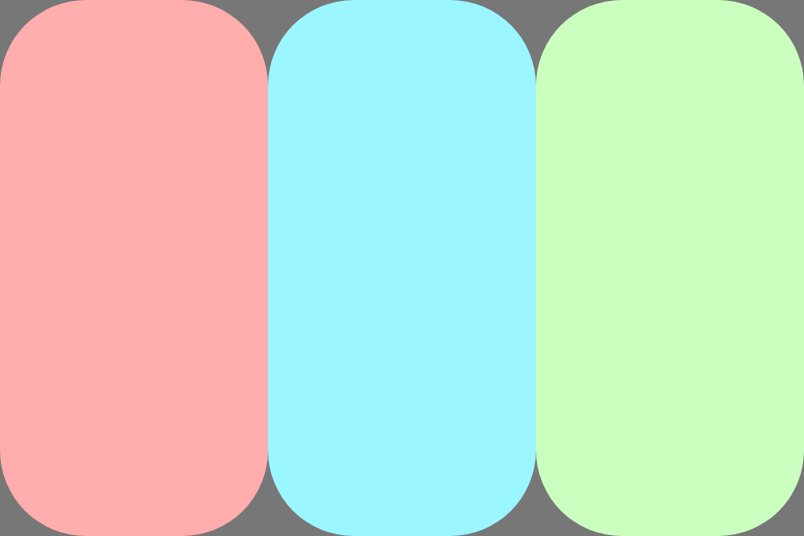
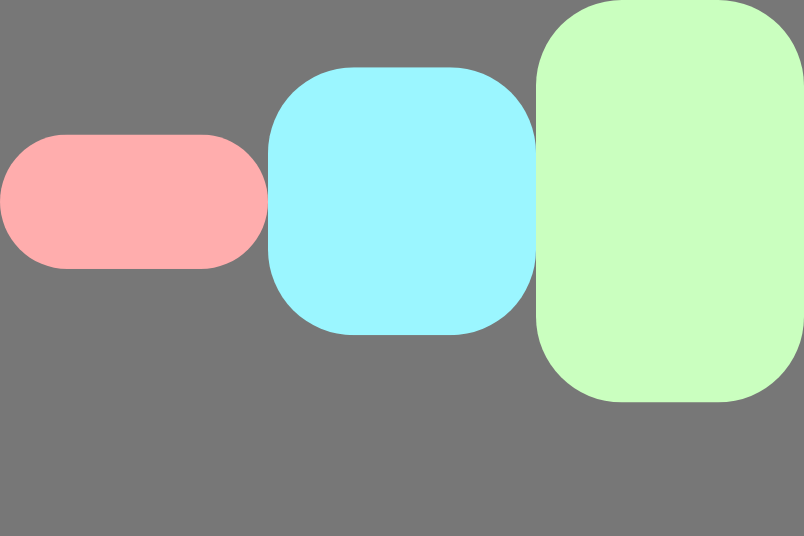
Use `alignItems` to align items along the cross axis within a single line. This
behavior can be overridden by individual items using the
[`alignSelf` modifier](https://developer.android.com/develop/ui/compose/layouts/adaptive/flexbox/item-behavior#item-alignment).
The following images show the behavior when the direction is `Row`:
|---|---|---|---|---|---|
|  | 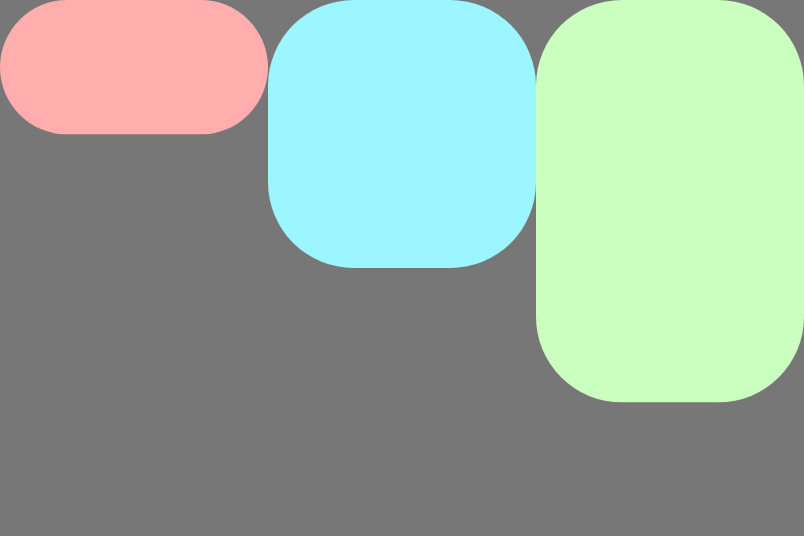 | 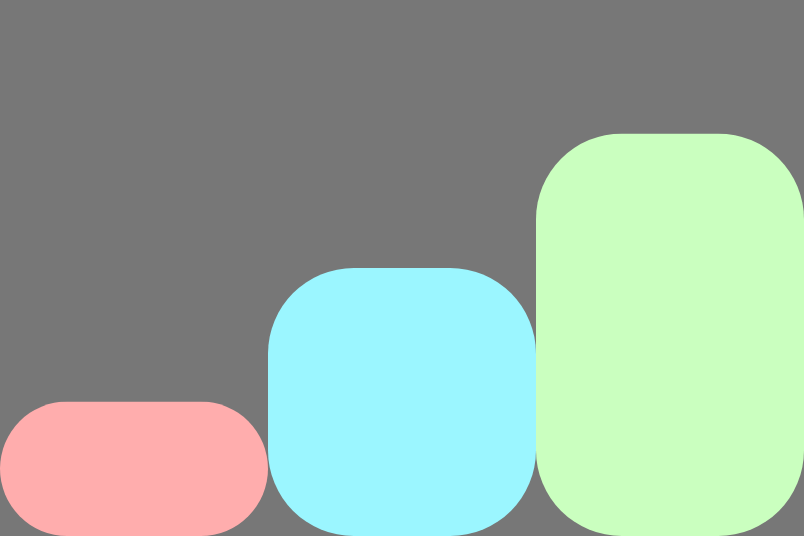 |  |  |  |
| | `Start` | `End` | `Center` | `Stretch` | `Baseline` |
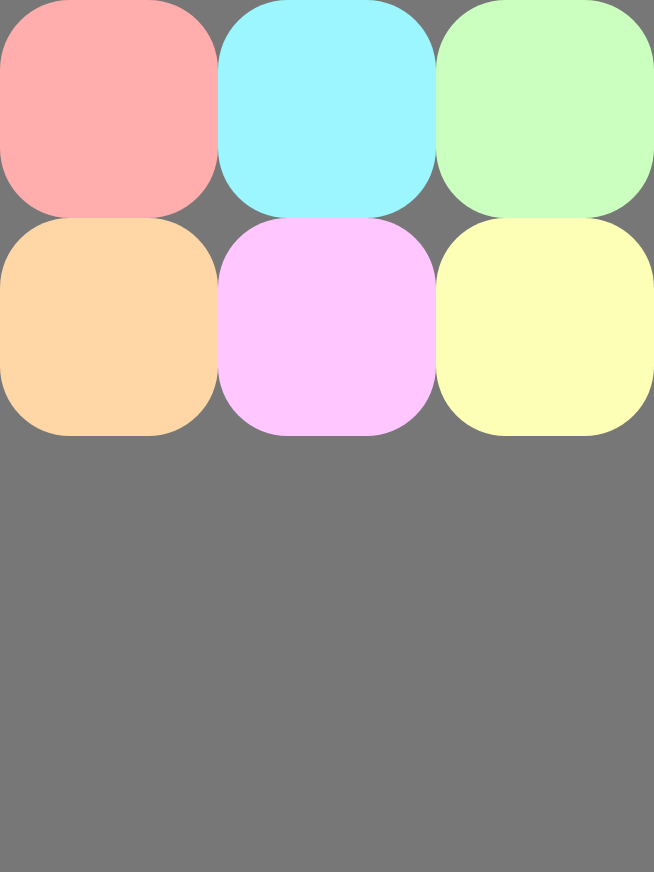
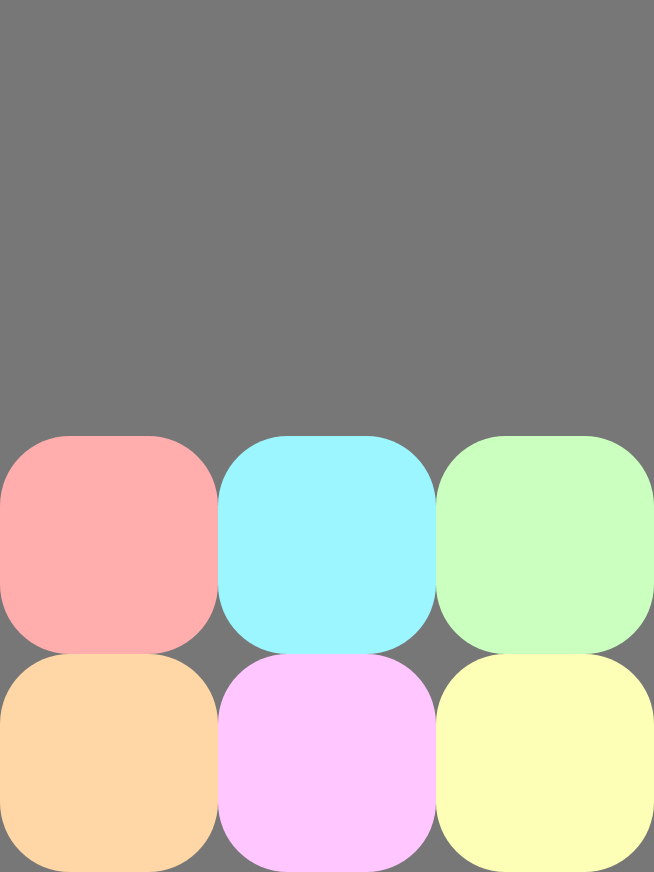
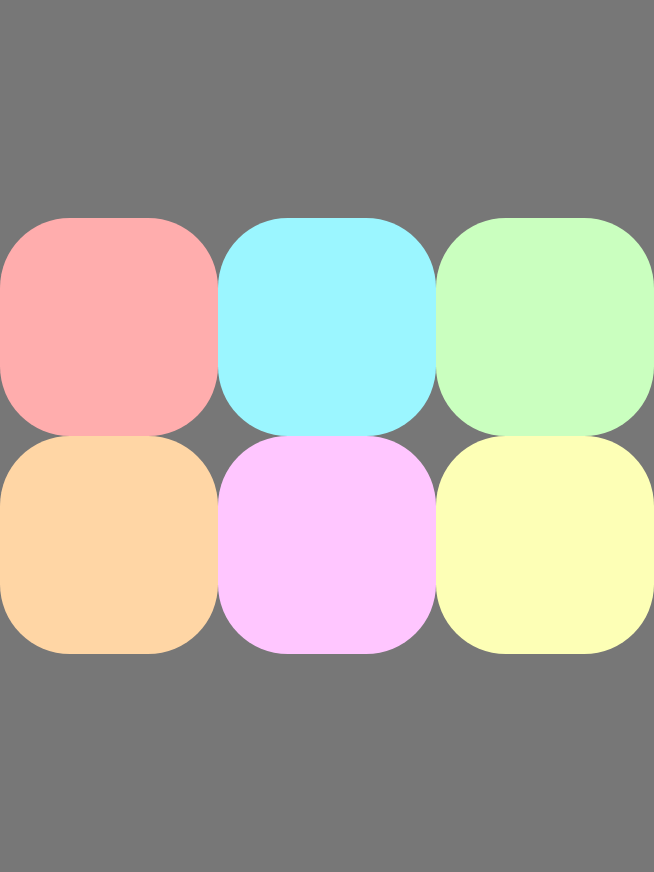
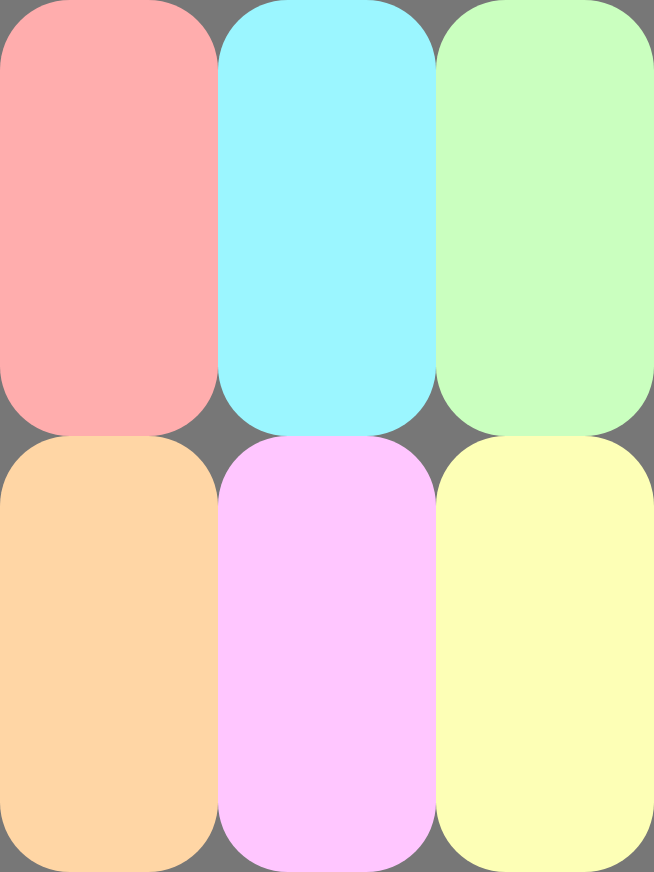
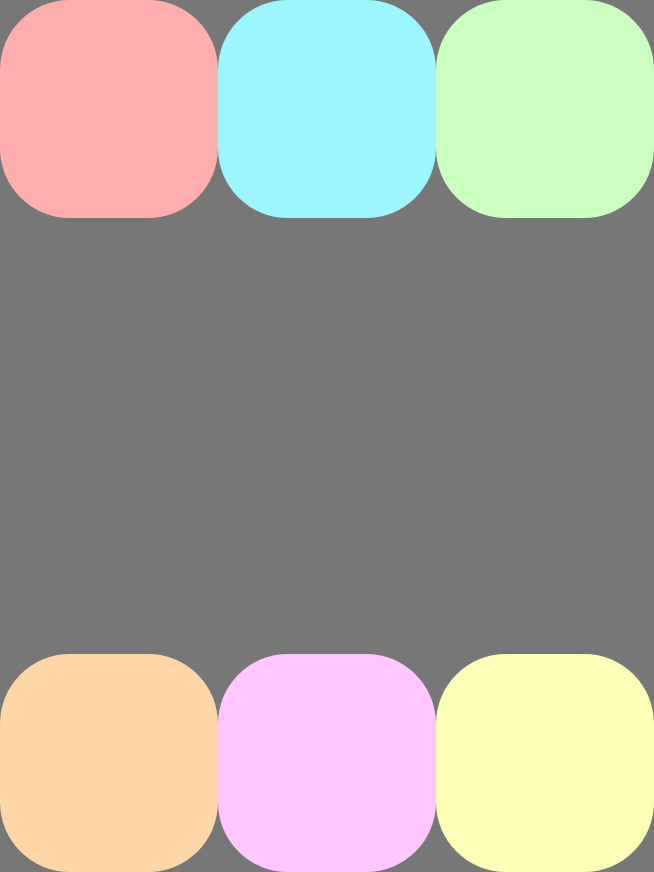
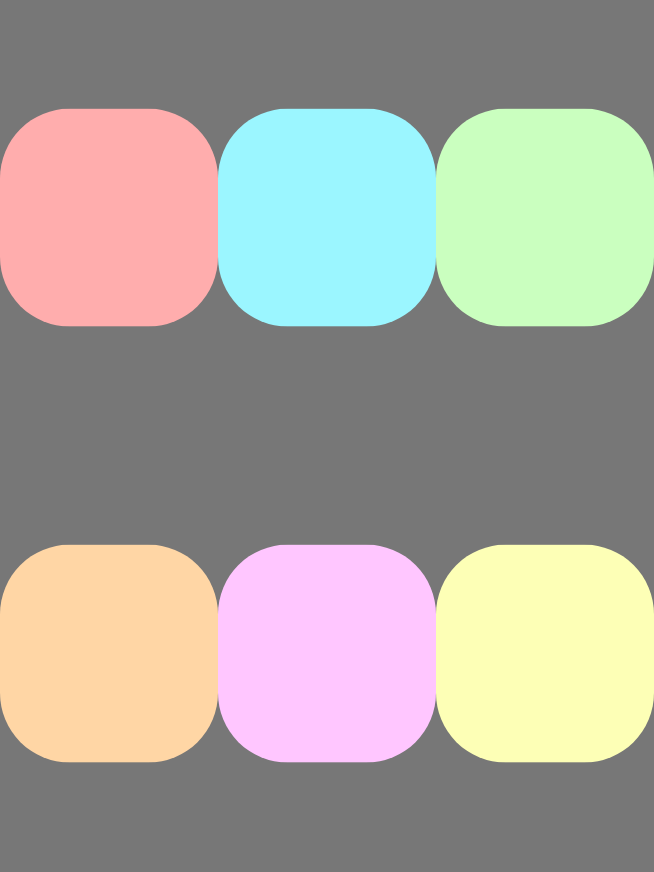
Use `alignContent` to align lines to the cross axis and to distribute extra
space between lines. This property only applies when there are multiple lines
(wrapping is enabled). The following images show the behavior when the direction
is `Row`:
|---|---|---|---|---|---|---|
|  |  |  |  |  |  |  |
| | `Start` | `End` | `Center` | `Stretch` | `SpaceBetween` | `SpaceAround` |
## Wrap items
Wrapping lets a `FlexBox` container become multi-line, moving items that don't
fit onto a new row or column along the cross-axis. Configure wrapping behavior
using `wrap`.
|---|---|
| **`FlexWrap` value** | **Example using direction `Row`** |
| `NoWrap` (default): Prevents items from wrapping. Items overflow if the main size is insufficient. | 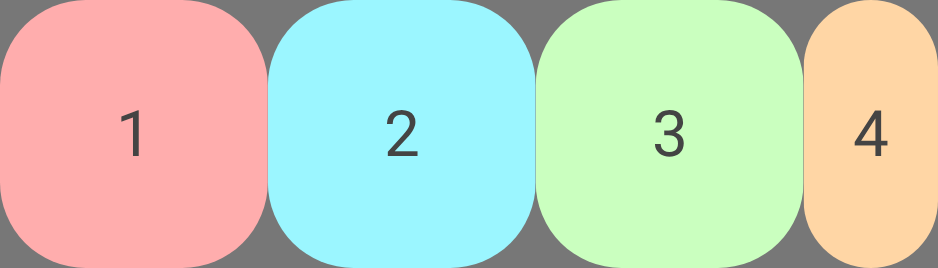 |
| `Wrap`: When there is insufficient space for an item (plus any [gap](https://developer.android.com/develop/ui/compose/layouts/adaptive/flexbox/container-behavior#add-gaps)), a new line is created in the direction of the cross axis. For example, if the direction is `Row`, a new line is added **below**. | 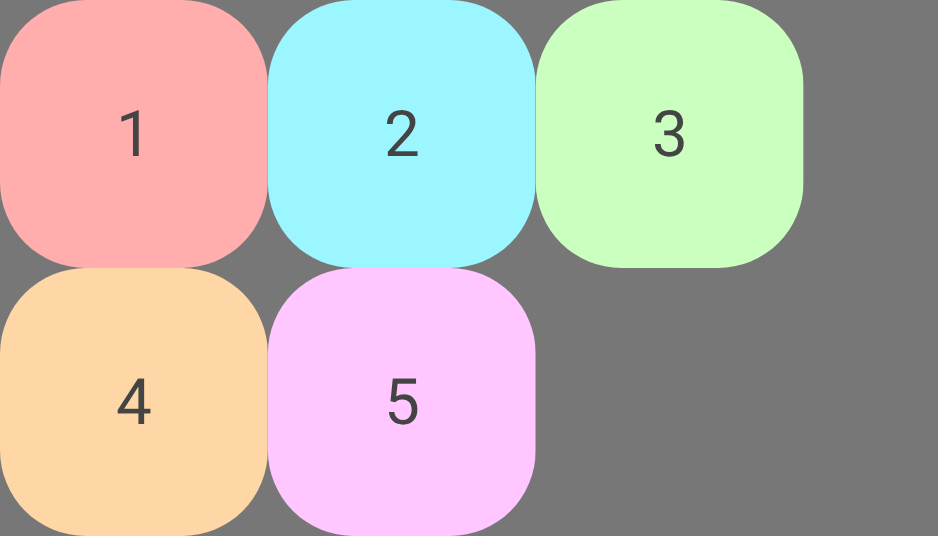 |
| `WrapReverse`: The same as `Wrap`, except the new line is added in the opposite direction to the cross axis. For example, if the direction is `Row`, a new line is added **above**. | 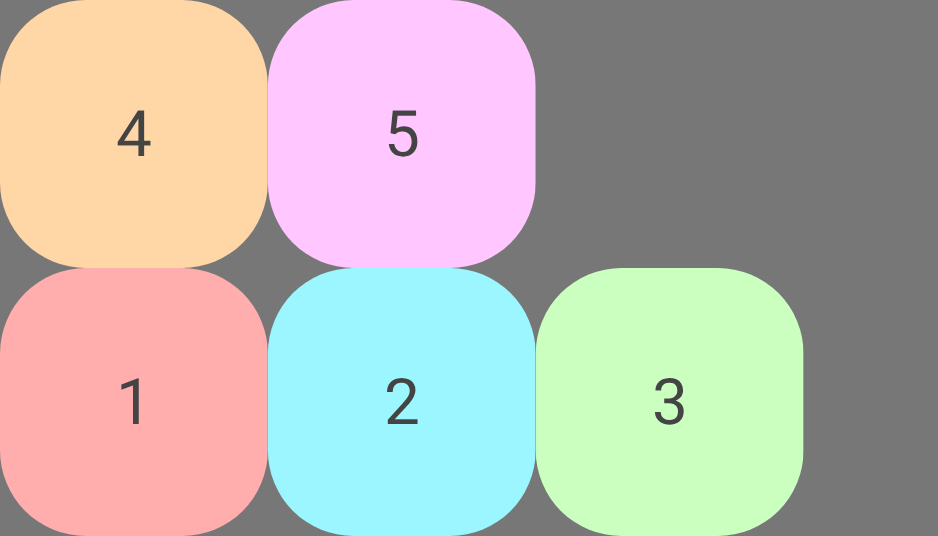 |
The following example shows how the `FlexBox` wrapping algorithm works. The
`FlexBox` container has a main size of `100dp`, with `wrap` set to
`FlexWrap.Wrap` and a gap of `8dp`. It contains three items with `basis` `20dp`,
`40dp`, and `50dp`, respectively.
There is `100dp` available space in the line. Child 1 is `20dp`.
There is space, so Child 1 is placed into the line.
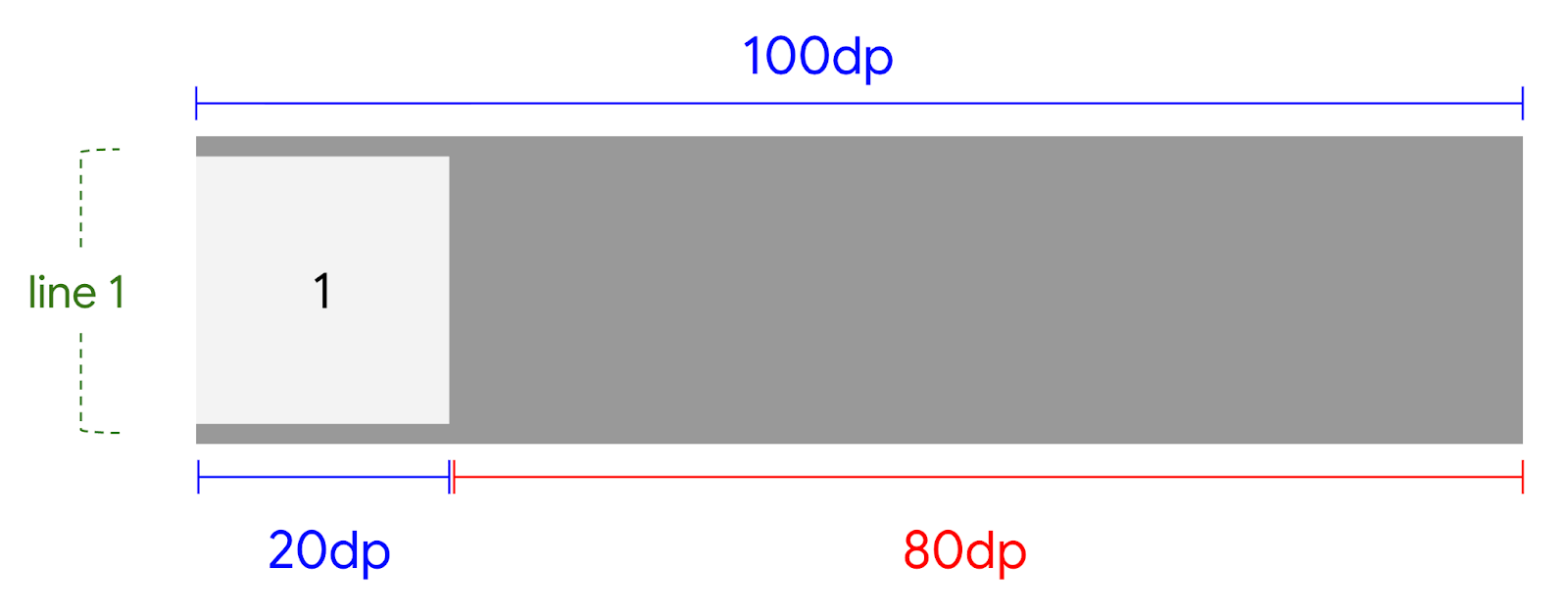 **Figure 1.** First item placed in the `FlexBox` container.
There is `80dp` available space in the line. The gap is `8dp`. Child 2 is
`40dp`. The required space is `48dp`. There is space, so the gap and Child 2
are placed into the line.
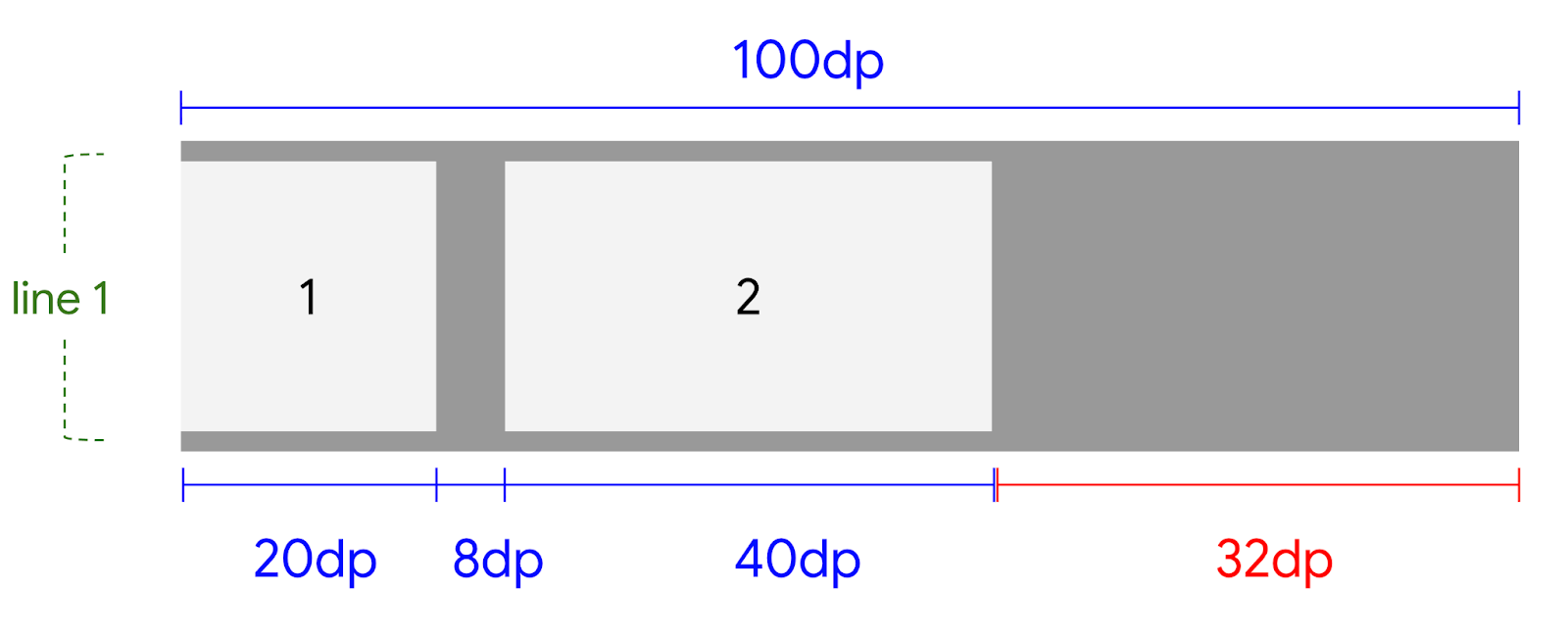 **Figure 2.** Second item placed in the `FlexBox` container after the first item.
There is `32dp` available space in the line. The gap is `8dp`. Child 3 is
`50dp`. The required space is `58dp`. There is not enough space in the current
line, so Child 3 is placed in a new line.
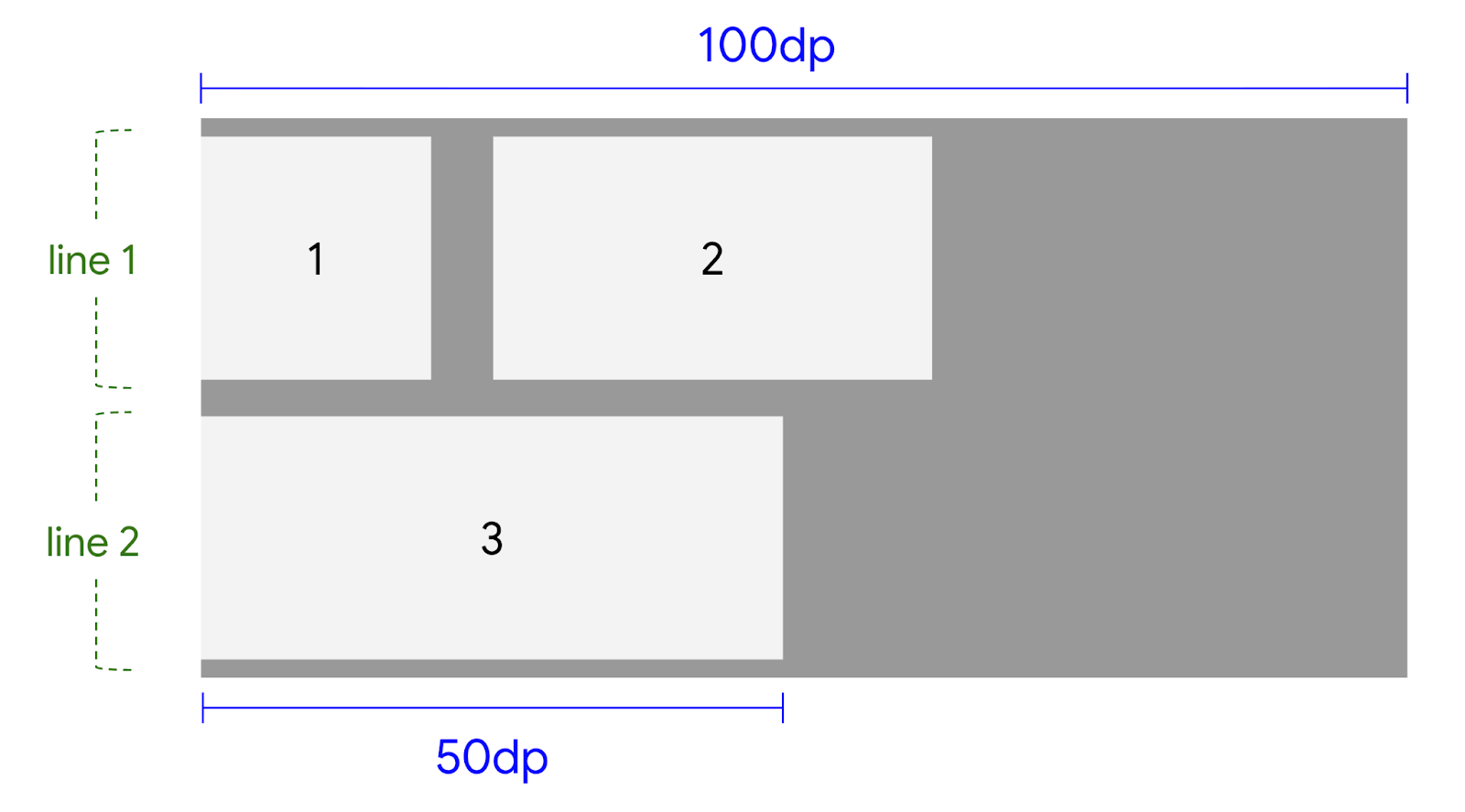 **Figure 3.** Third item placed on a new line because it doesn't fit on the first line.
## Add gaps between items
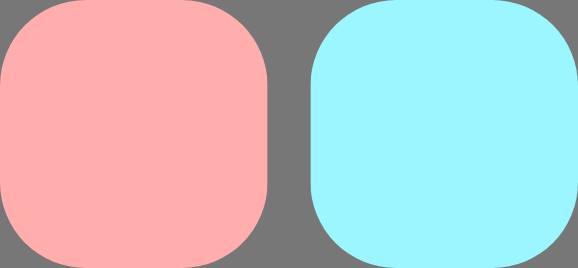
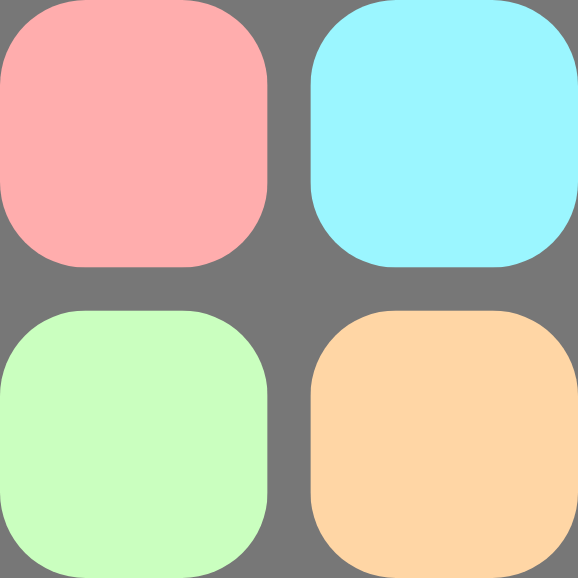
Add gaps between rows and columns using `rowGap` and `columnGap`. This is useful
to avoid adding spacing modifiers to children.
|---|---|---|
| 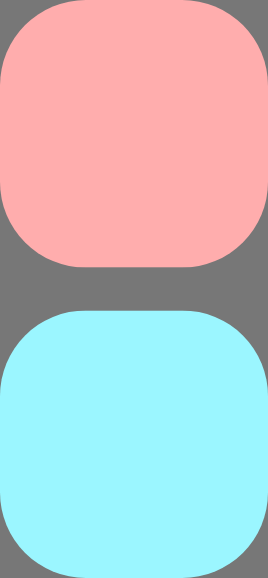 |  |  |
| `rowGap` adds vertical space between items and lines. | `columnGap` adds horizontal space between items and lines. | `gap` is a convenience function that adds both `columnGap` and `rowGap`. |Related skills
| Skill | Stars | Updated | Works with | Status | Install |
|---|---|---|---|---|---|
| brainstormingobra/superpowersYou MUST use this before any creative work - creating features, building components, adding functionality, modifying behavior, or planning anything new, in software or out of it (a talk, a business, a renovation). | Stars: 322k | Updated | Claude CodeCodex | Verified | Install |
| brand-guidelinesanthropics/skillsApplies Anthropic's official brand colors and typography to any sort of artifact that may benefit from having Anthropic's look-and-feel. Use it when brand colors or style guidelines, visual formatting, or company design standards apply. | Stars: 198k | Updated | Claude CodeCodex | Verified | Install |
| frontend-designanthropics/skillsGuidance for distinctive, intentional visual design when building new UI or reshaping an existing one. Helps with aesthetic direction, typography, and making choices that don't read as templated defaults. | Stars: 198k | Updated | Claude CodeCodex | Verified | Install |
| mcp-builderanthropics/skillsGuide for creating high-quality MCP (Model Context Protocol) servers that enable LLMs to interact with external services through well-designed tools. Use when building MCP servers to integrate external APIs or services, whether in Python (FastMCP) or Node/TypeScript (MCP SDK). | Stars: 198k | Updated | Claude CodeCodex | Verified | Install |